Microsoft PowerPoint 2016 is rich in features and will make presentation creation a fun. It requires at least 1 GB RAM (32 bit) or 2 GB RAM for 64 bit machine. PowerPoint 2016 works only on Windows7 and above and requires at least 1280 x 800 resolution.
Here are few features worth mentioning.
1. Better video output
Now you can create presentation videos (MP4) having resolution as high as 1920 x 1080, which plays great on larger screens.2. Share presentations
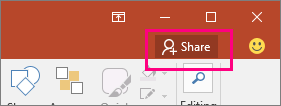
In PowerPoint 2016 you can share your presentation with others using OneDrive or Office 365 SharePoint. You would see share option on ribbon but before you share, presentation has to be shared on OneDrive or Office365.
3. Screen capture
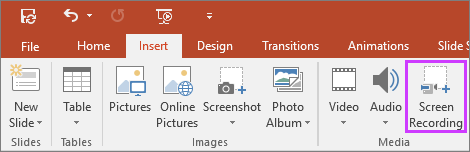
The much awaited feature now lets you capture specific area of the screen and insert it directly into your presentation.
4. Advance equation editor
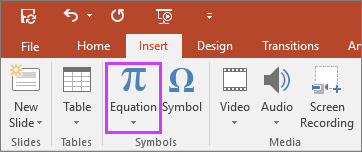
Now in addition to inserting pre-formatted equations, you can also write equations and PowerPoint will convert them into text. On a mobile or tablet device, you can use your finger or a touch stylus to write math equations by hand, and PowerPoint will convert that into text.
5. Smart lookup
While creating presentations you can look for more details on word or phrase. You can select a word or phrase, right-click it, and choose Smart Lookup, which will return definitions, Wiki articles, and top related searches from the web.
6. Charts

7. Quick access with tell me
Tell ME helps get quick access to different tools and features of PowerPoint. It is a text field where you'll enter words and phrases associated with what you want to achieve and you’ll quickly get to options you want to use or actions you wish to perform. For example if you type remove it will prompt you action like “Delete Slide”.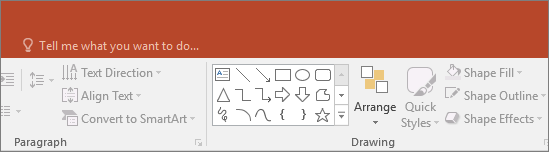
It might come handy when you are not able to locate a command on ribbon.
Features that come with 365 subs
There are certain features like Designer, Morph in PowerPoint 2016 which are only available if you have an Office 365 subscription.
8. Morph Transition
Microsoft has introduced a new transition type, Morph in PowerPoint 2016, which might assist you build smooth animations, transitions, and object movements across the slides in your presentation. You will need to create at least 2 slides with a minimum of one object in common—the easiest method to do so is to duplicate the slide and move the object on the second slide, or you can also copy the object from one slide and paste it on other. 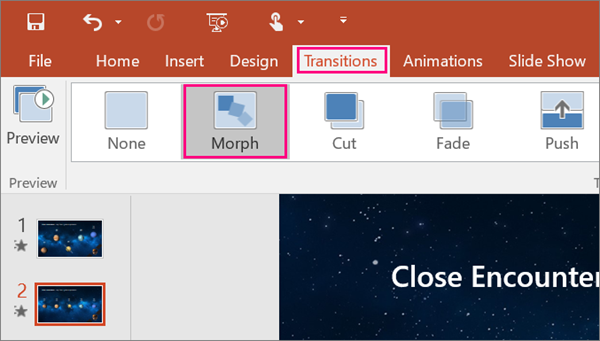
9. PowerPoint Designer
PowerPoint Designer is a new service that analyzes your content and automatically generate a different ideas that you can select from to make your slides look awesome.
Here is a video that talks more about Morph and Designer
You can head here for free training on PowerPoint 2016.


